
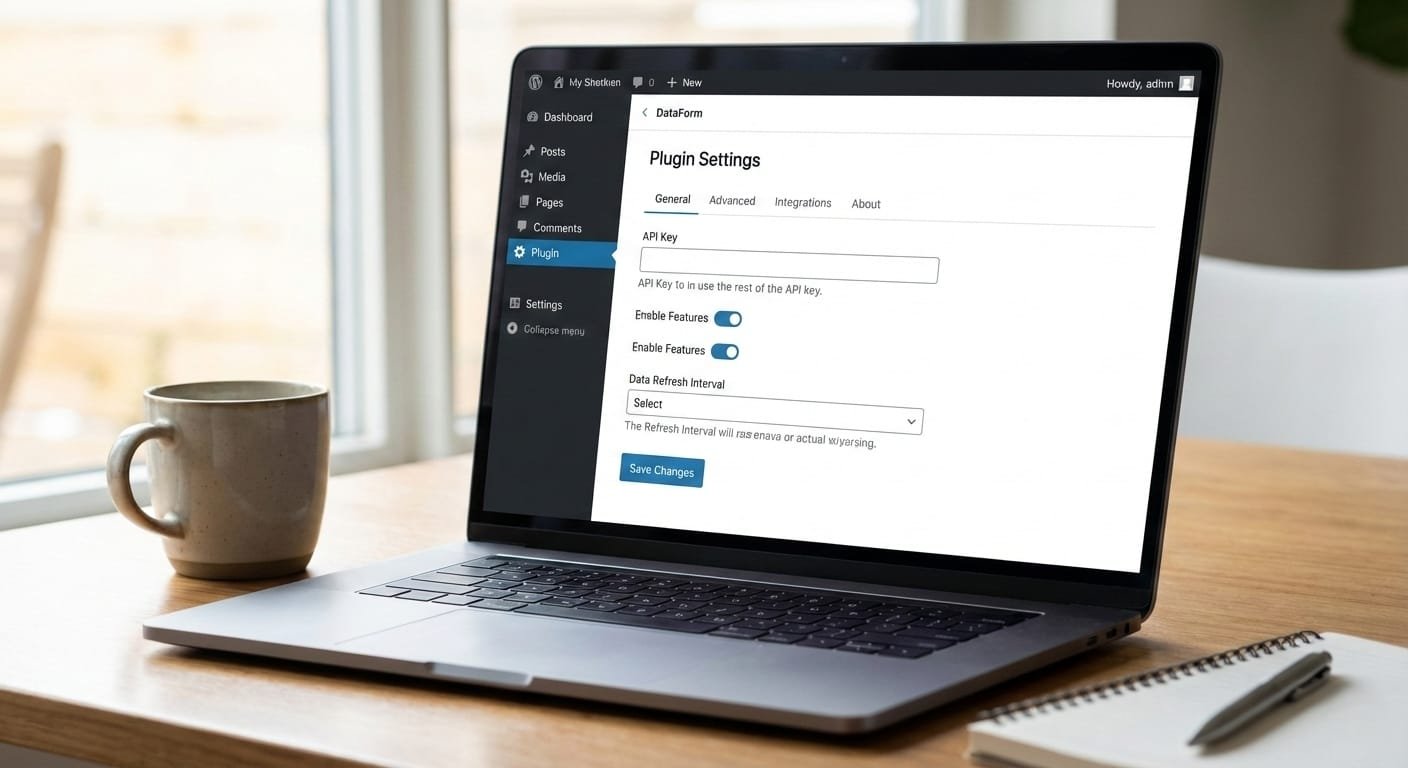
Modules add features to a CMS, and each one needs settings. Storing those settings in one clear place makes the site easier to maintain and safer to change.
Group related settings
Keep settings for each module together, with short labels and sensible defaults. Remove options that editors never use.
Validate input
Check every value before saving it. Limits, URLs and email addresses should be validated on the server, not only in the browser.
Review changes
Log who changed a setting and when. This helps when a change needs to be reverted.


 or call +8801720514433 for CMS development and support. This image showcases Jewel Khan’s custom CMS module development work and the UploadShield solution for better CMS website and Media Library management.](/wp-content/uploads/2026/10/Akaeid-Hasan-UploadShield-WordPress-Plugin-–-Image-Upload-Size-Control-768x432.png)